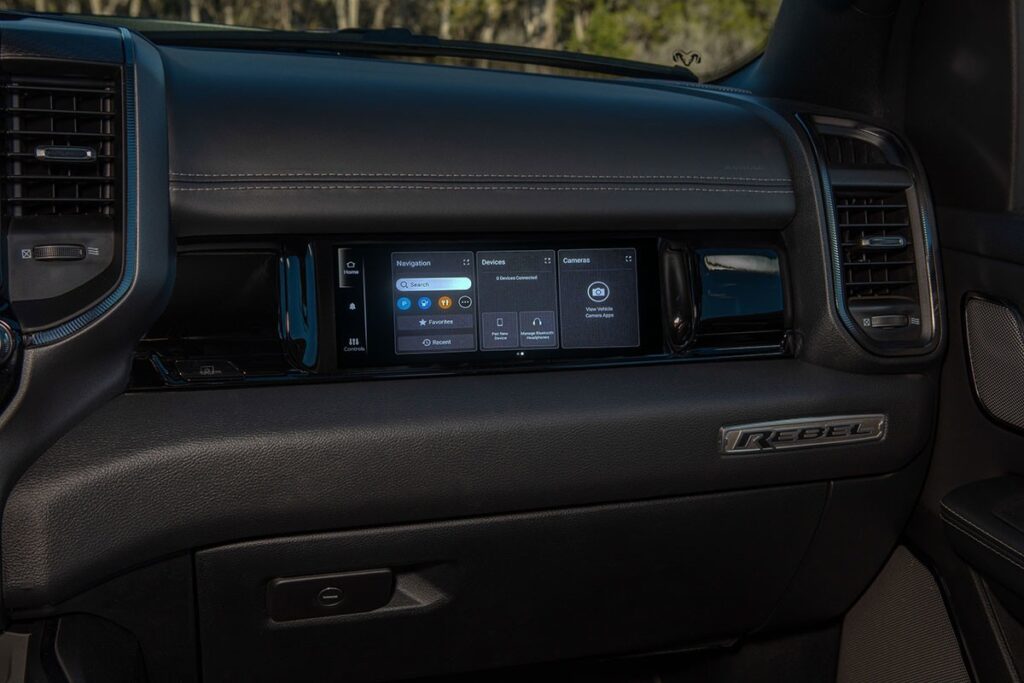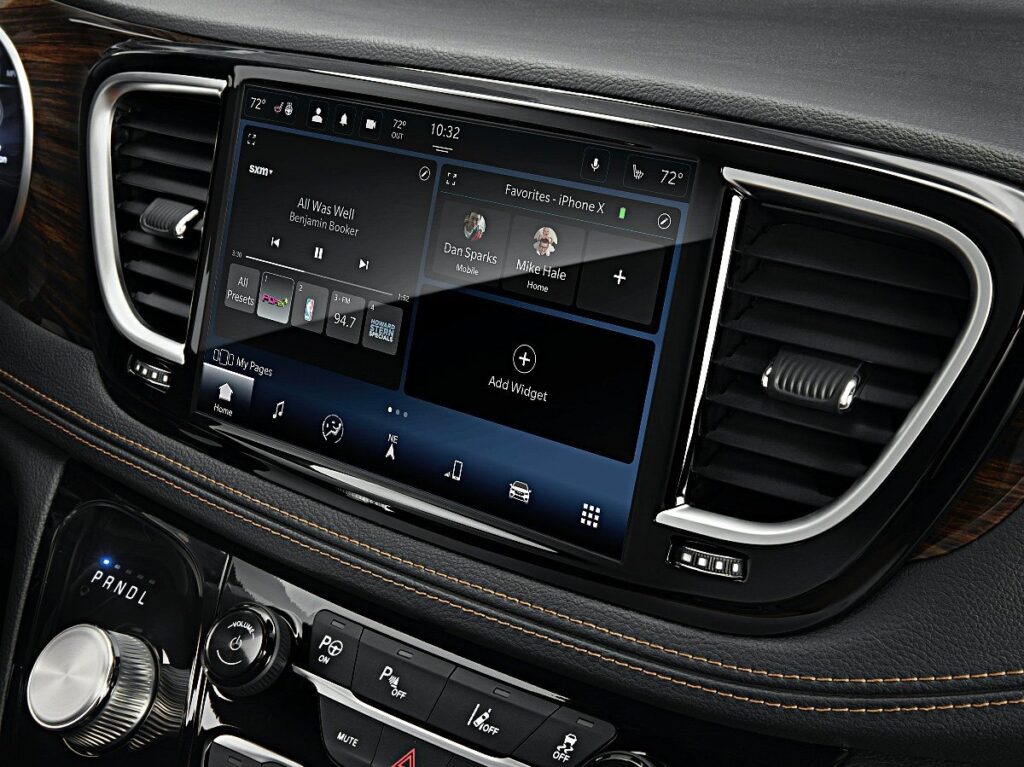

You install the new radio. The screen powers on. The touchscreen responds. The backup camera works. Everything appears normal — except there is no sound. This is one of the most common problems people encounter after upgrading or swapping an OEM infotainment system in a modern vehicle. In today’s vehicles, the cause is rarely a simple wiring mistake. The issue is usually software-related.
One of the most common causes is that the radio is not programmed to the vehicle’s VIN. Modern infotainment modules are VIN-locked, meaning they must be matched to the specific vehicle in order to function correctly. If the radio has not been properly programmed, the amplifier may not activate, audio signals may not route correctly, or the system may completely disable sound output. Even though the unit powers on and appears functional, the vehicle’s network can block audio until the module is properly authenticated.
Amplifier communication is another frequent cause. Many vehicles, especially higher trims, rely on a factory amplifier rather than powering speakers directly from the radio. If the replacement unit is not coded for a premium audio system or is not configured to recognize the factory amplifier, the amplifier simply will not turn on. Modern systems use digital communication to trigger the amplifier, so this is not just a matter of supplying power — it requires proper configuration within the vehicle’s network.
Secure gateway systems can also prevent sound from working. Brands such as RAM, Jeep, GM, and Ford often use secure gateway modules that block unauthorized programming or communication changes. If the new radio has not been properly unlocked, configured, or aligned with the vehicle’s network, the system may disable certain functions, including audio output, as a protective measure.
In some cases, the issue stems from installing the wrong radio variant. Even if two units look identical, they may carry different software versions depending on trim level, audio system, or vehicle configuration. Installing a radio intended for a different trim can result in partial functionality, missing features, or no sound at all. The hardware may physically fit, but the software configuration may not match the vehicle.
Network configuration also plays a significant role. Modern vehicles rely on CAN bus or Ethernet communication between modules. If the radio has not been aligned with the vehicle’s body control module and other systems, certain outputs can remain inactive. Audio is often one of the first functions to be affected when network configuration is incorrect.
Used modules present another challenge. A previously installed infotainment system may retain its original VIN and configuration data. Without properly resetting and reprogramming the unit, the new vehicle may reject certain functions. Even if the unit appears to operate normally, the system may block audio until it is correctly configured.
In older vehicles, audio systems were largely analog. If the wiring harness connected properly, the system usually worked. Modern vehicles are fundamentally different. A radio is no longer just a standalone device — it is a networked computer that communicates with multiple control modules throughout the vehicle. Without proper programming and alignment, the vehicle may prevent the system from functioning fully.
When a newly installed radio produces no sound, the issue is typically not hardware failure. The solution usually involves VIN programming, proper configuration for the correct trim and audio system, and secure gateway authorization. Correct setup ensures the radio behaves exactly as it would if installed at the factory.
If the screen works but there is no sound, the problem is almost always programming-related. In modern vehicles, proper configuration is what separates a successful OEM-style upgrade from a frustrating installation experience.